Build on the real canvas.
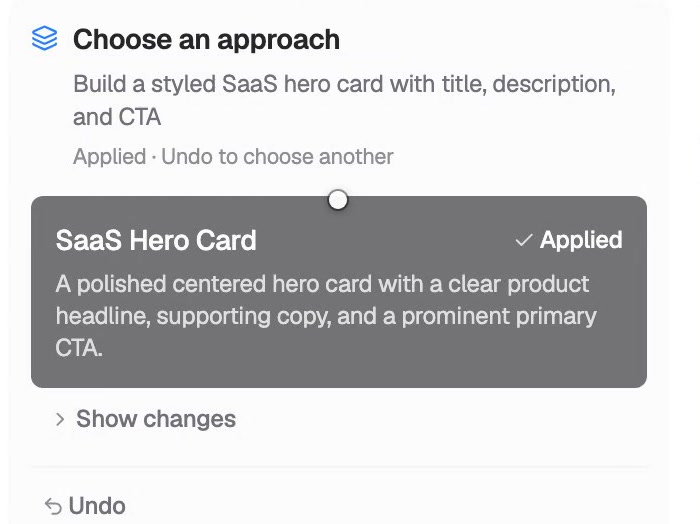
Describe a page. The AI plans it, you apply it, and every element lands on the same canvas you keep editing — real components, real props, real Tailwind.
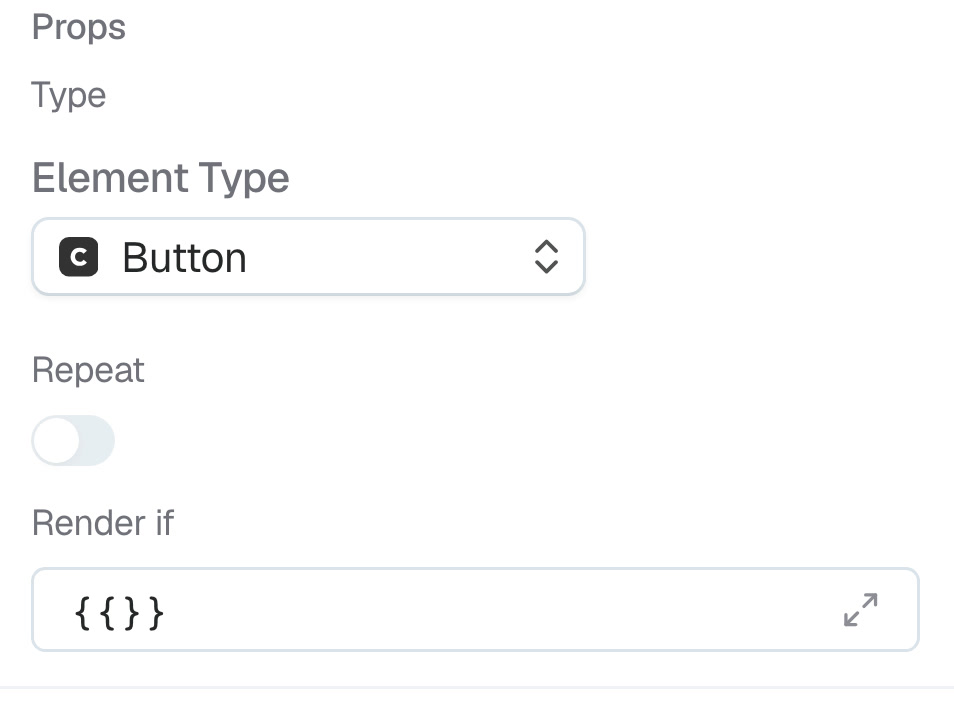
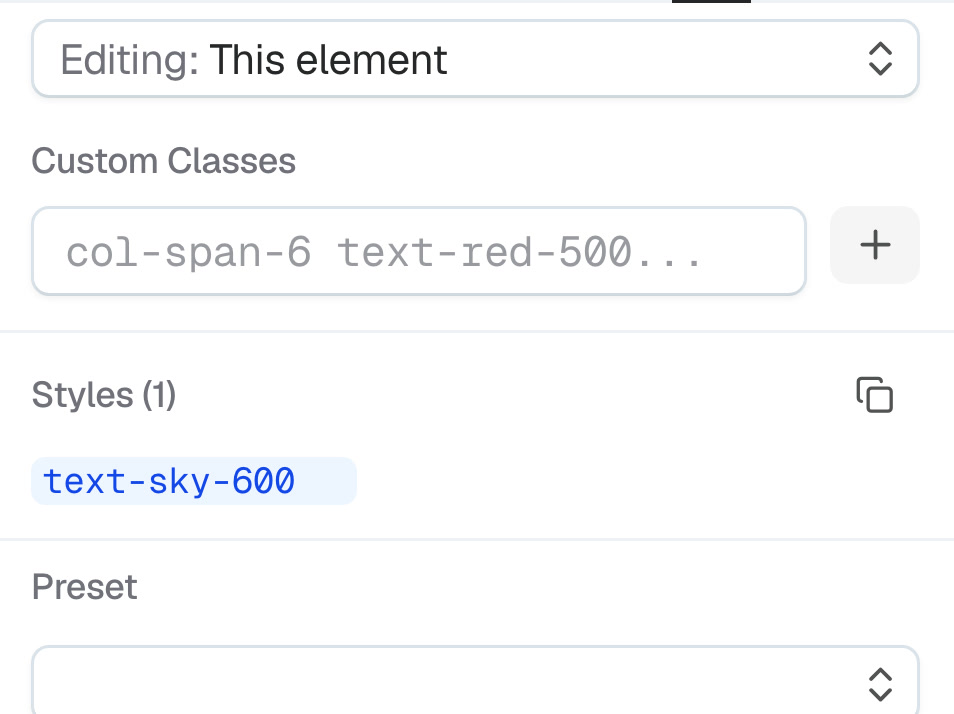
Prompt: “Build a styled SaaS hero Card with CardTitle, CardDescription, and a Button CTA inside it.”
Up close.
Real libraries, real output.
- Components
- COSS components and Radix Themes layout primitives.
- Frameworks
- React rendering, Tailwind CSS styling, Motion animation, TanStack Router links.
- AI
- GPT, Claude, or Gemini through OpenRouter.
MUI, Ant Design, and Chakra UI currently provide Button components. Z.ai, Kimi, and Grok are also available.
Real, shipped, running
Published apps, not a feature list. Click through to the live site.
Notes from building Codelab
The binding layer is the spine
Every prop on the canvas is a live expression. Here’s what falls out once your UI reads straight from state.
Jul 2026 · 6 min readNo eject, because no dead end
Real code underneath means the ceiling never arrives — and you never have to leave the builder to break through it.
Jul 2026 · 4 min readGive an agent your builder tools
The same MCP tools you use by hand, handed to an AI: scaffold real elements, bind state, ship — live on the canvas.
Jun 2026 · 5 min readBuild something with no ceiling
One real page, free forever. Bring an AI, or build it yourself.